【Python】VS Code导入本地工具包和消除`Import [module] could not be resolved in Pylance`
最近在学习Python, 需要用到自己定义的工具类模块,总结下来主要遇到两个问题 如何导入自定义模块 解决VS Code 警告Import [module] could not be resolved in Pylance 和实现包高亮与转

gis2all
2020-11-13 发布 · 2021-09-16 更新 · 1 分钟阅读
最近在学习Python, 需要用到自己定义的工具类模块,总结下来主要遇到两个问题
- 如何导入自定义模块
- 解决VS Code 警告
Import [module] could not be resolved in Pylance和实现包高亮与转到定义
首先准备我们的测试文件,目录结构如下
D:\IMPORT_LOCAL_PACKAGE
├─.vscode
│      launch.json
│      settings.json
│
├─mycode
│      test.py
│
└─utils
        util_1.py
        util_2.py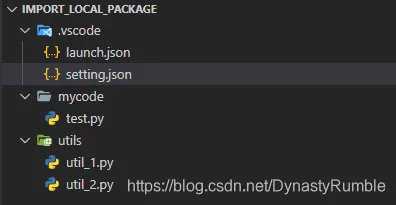
首先将 utils路径加入 setting.json, 在根目录.vscode文件夹中新建 settings.json 文件,内容如下,目的是将本地包纳入VsCode分析行列, 注意这里是相对路径(相对于根目录),不能写成 {workspaceRootFolder/utils}, 写完后记得重启VS Code
{
    "python.analysis.extraPaths": [
        "utils"
    ]
}
在test.py中导入两个工具包, 这里先把自定义路径加入path变量以便Python解析,然后导入自定义的包
import sys
import os
from os import path

# 两种方式,总有一种可以导入或者高亮
# sys.path.append(path.dirname(path.dirname(path.abspath(__file__))) + os.sep + "utils")
# from utils.util_1 import Utils_1
# from utils.util_2 import Utils_2

sys.path.append(path.dirname(path.dirname(path.abspath(__file__))))
from utils.util_1 import Utils_1
from utils.util_2 import Utils_2

class TestFile:

    @staticmethod
    def call():
        print("test.py")


if __name__ == "__main__":
    TestFile.call()
    Utils_1.call()
    Utils_2.call()
测试下结果,首先运行看有无错误
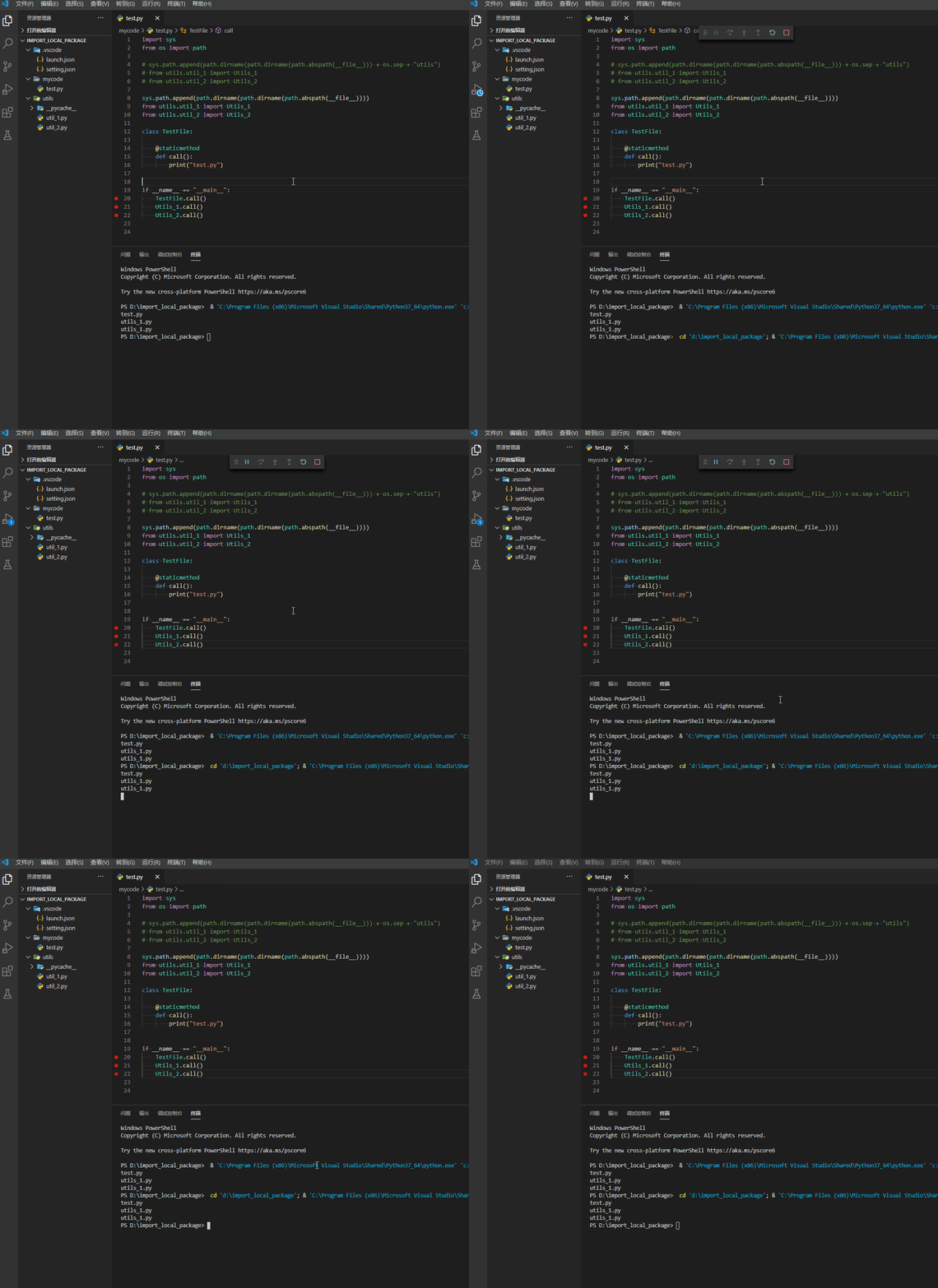
然后智能提示和转到定义
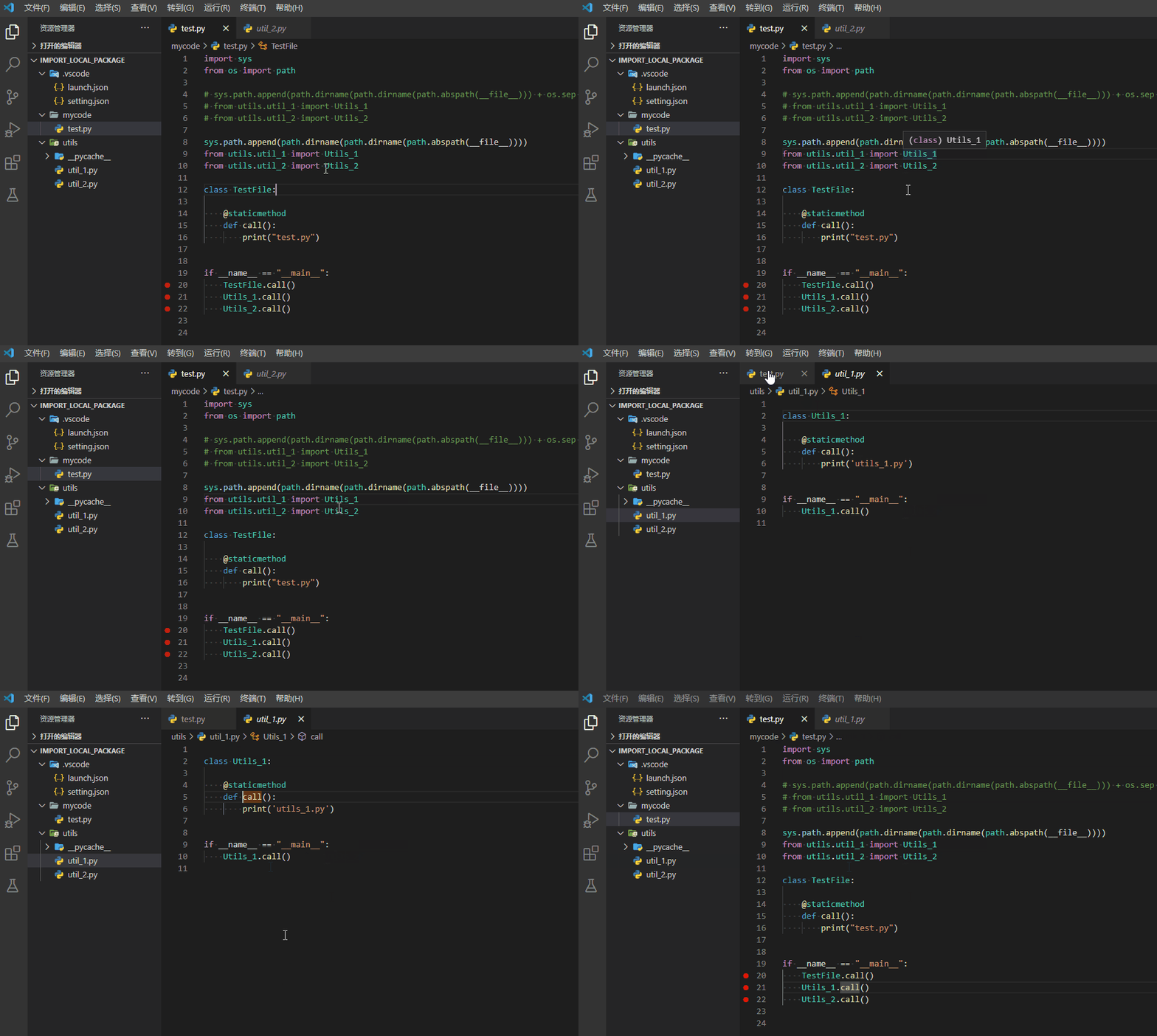
这样就解决了自定义模块的导入以及智能提示的设置😎
参考资料: